
Get FaceCall on your phone
A better way to start a call.

Bring teams, families, and communities together on one screen. HD grids, adaptive audio balancing, and live translation make large conversations effortless across time zones and languages.

Host smooth, inclusive group meetings or family chats. FaceCall’s AI arranges speakers automatically, reduces noise, and keeps everyone visible and heard clearly.
Auto-switching grid focuses on the active speaker.
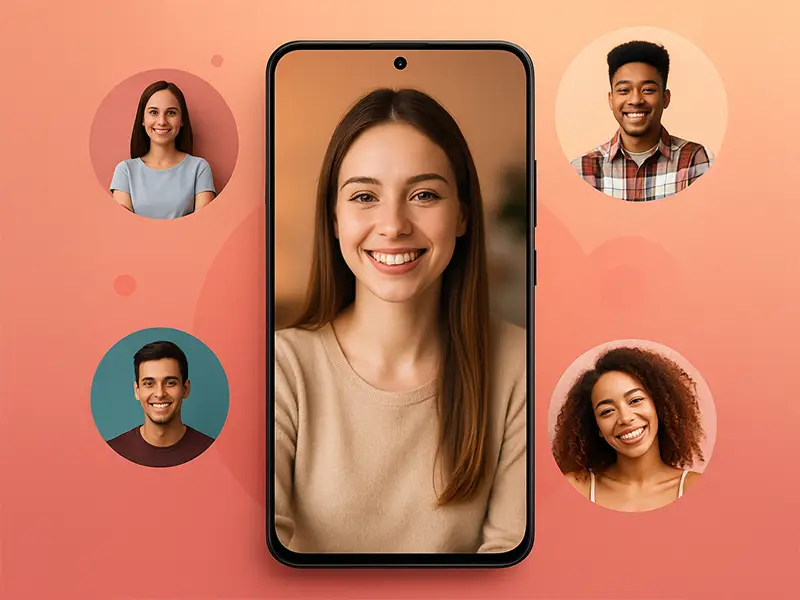
AI removes background sounds and echoes.

Participants chat freely in any language.
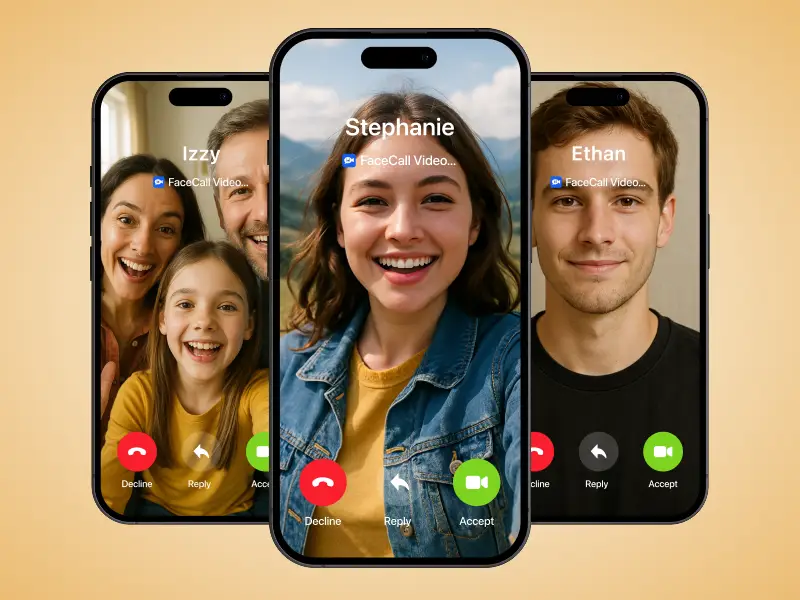
Encrypted multi-party calls protect privacy.
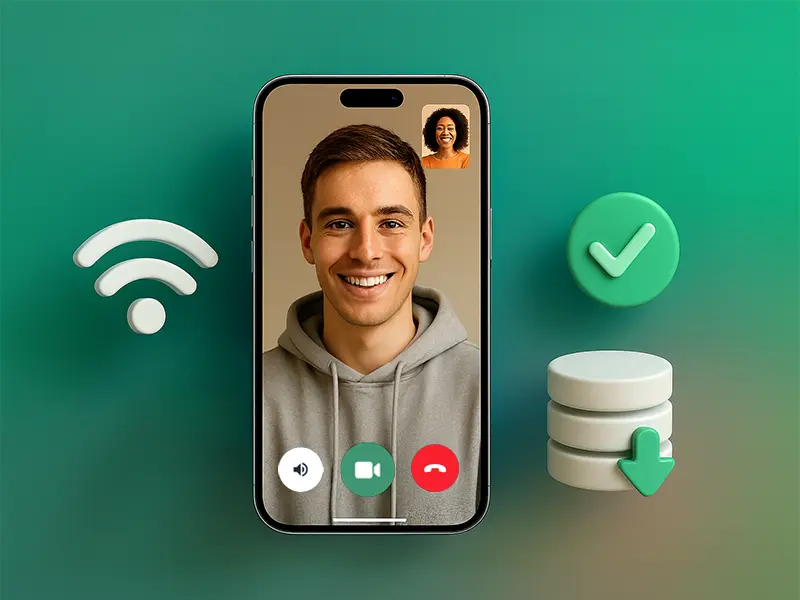
FaceCall handles big calls with simplicity, security, and smart optimization so everyone feels included.
Optimizes view for up to 30 participants.
Keeps all speakers audible equally.
Breaks language barriers live.
Protects every participant securely.

Enjoy smooth, secure, multilingual meetings or family hangouts anywhere.
Up to 30 participants can join in HD with automatic layout control. The system dynamically adjusts video quality so every participant stays visible and audible without freezing.
Yes. The adaptive codec compresses streams efficiently, maintaining clarity even on 4G connections while consuming minimal bandwidth.
Yes. The host can record entire sessions securely with participant consent, and files are encrypted before storage.
Yes. Present slides, videos, or documents directly within FaceCall without leaving the meeting.