
Get FaceCall on your phone
A better way to start a call.

FaceCall makes video calls on tablets richer and more immersive, with widescreen clarity, split-view tools, and full-device encryption.
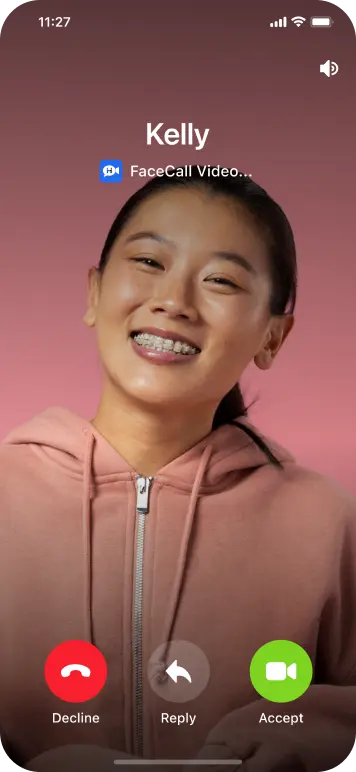
Enjoy ultra-clear HD video, multitasking, and intelligent lighting that fits your larger display perfectly.
Sharp, full-screen visuals for iPad and Android tablets.
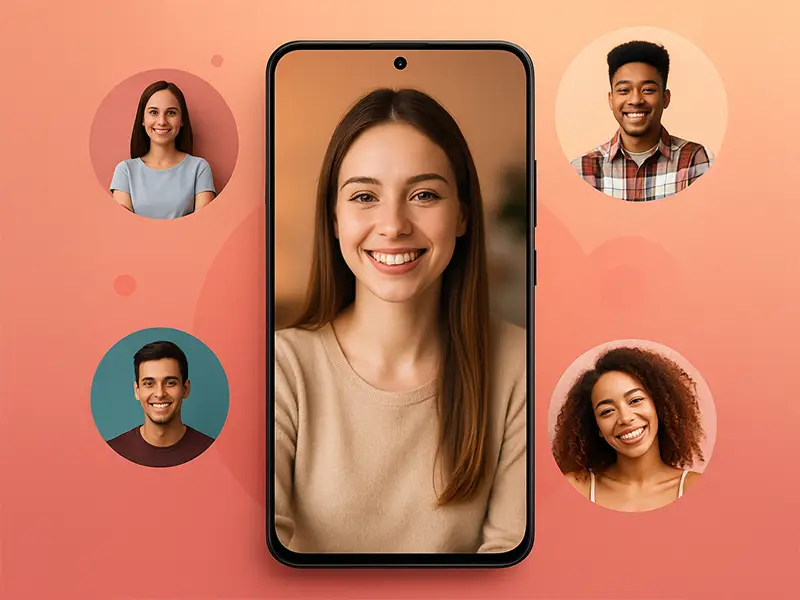
Take notes or chat beside your video.

Adjusts brightness automatically.
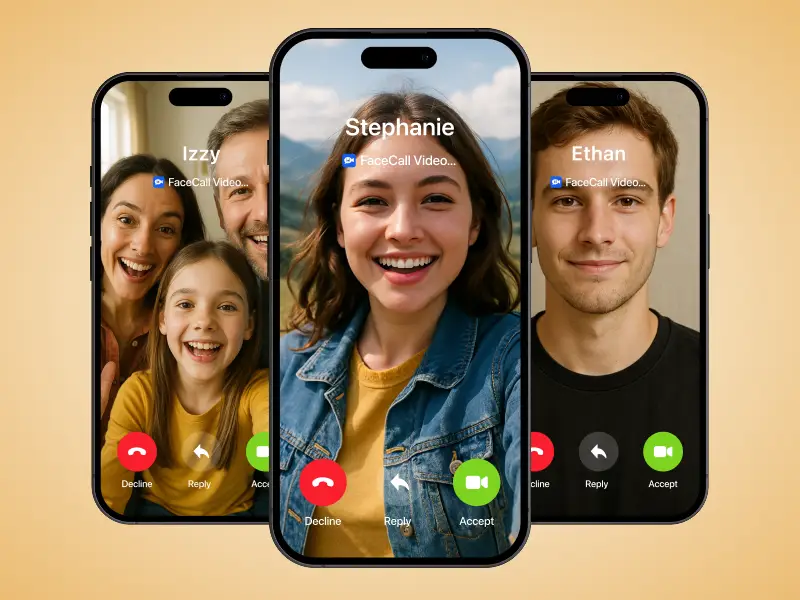
Keeps every chat confidential.
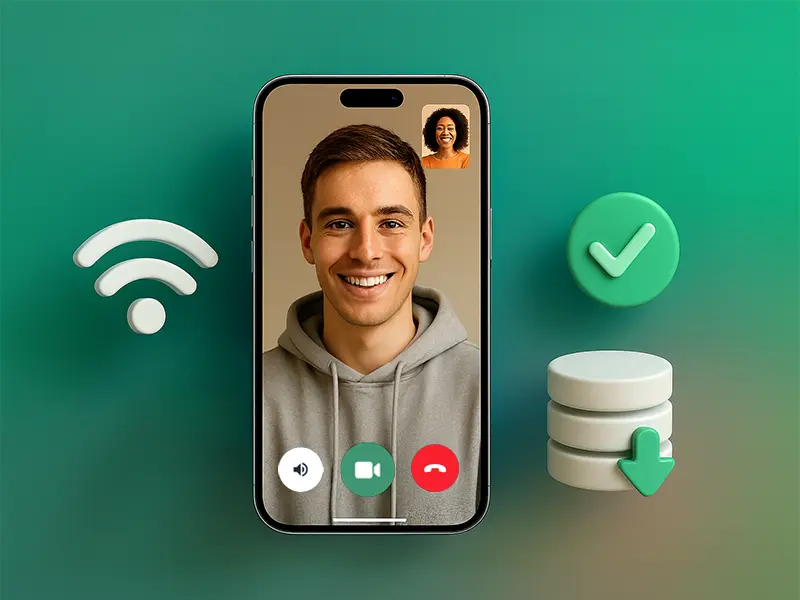
FaceCall enhances video calls for learning, work, and family connections on larger screens.
Maximized pixel rendering.
Crisp stereo audio output.
Use other apps seamlessly.
Safe and private always.

Your tablet’s best use — crystal video and total privacy.
Yes. FaceCall supports both, adjusting automatically for resolution and performance.
Yes. Split View allows browsing, messaging, or note-taking during calls.
Yes. AI lighting adjusts brightness and tone dynamically for best visibility.
Yes. All tablet tools are included free with no ads or add-ons.