
Get FaceCall on your phone
A better way to start a call.

FaceCall enhances your iPad’s large screen with sharp HD visuals, clean layouts, and multitasking support for both personal and professional use.

Enjoy immersive widescreen calls, split-view notes, and crystal-clear sound with zero lag or ads.
Full-screen clarity, multitasking support.
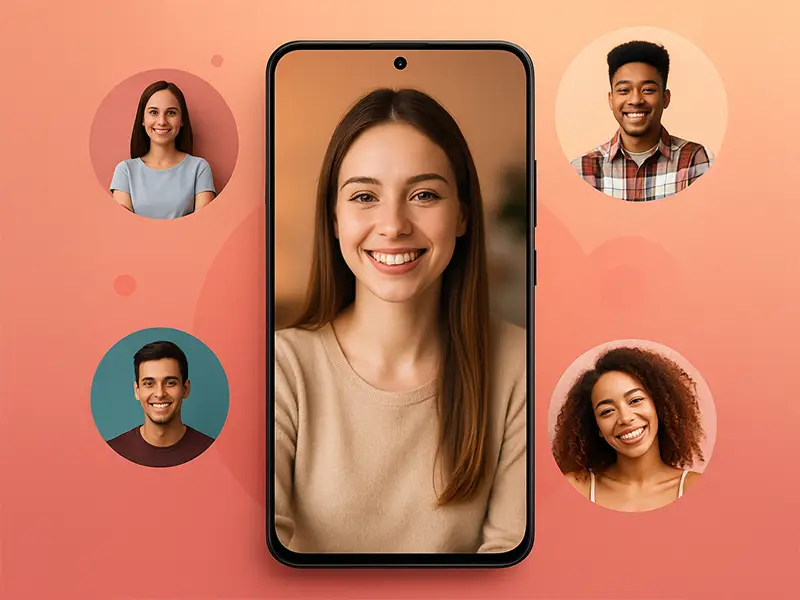
Take notes beside your call.

Immersive voice experience.
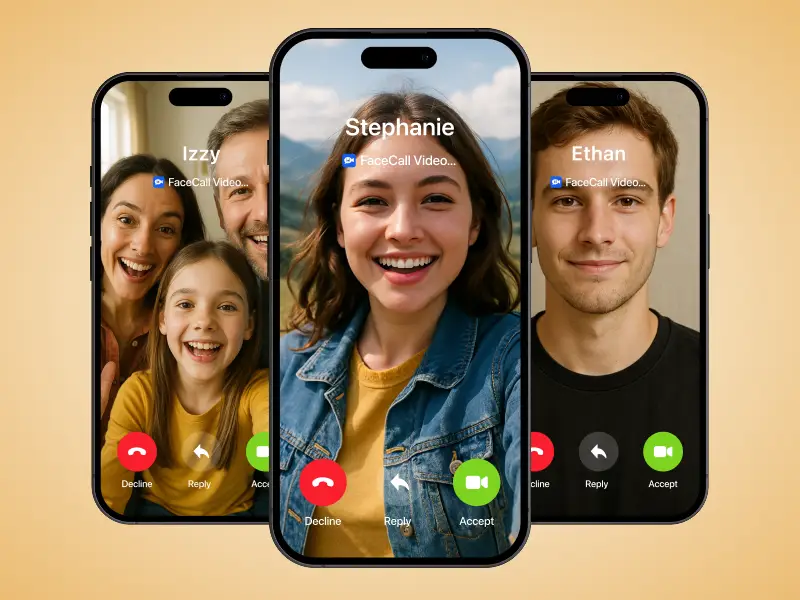
Keeps video sessions secure.
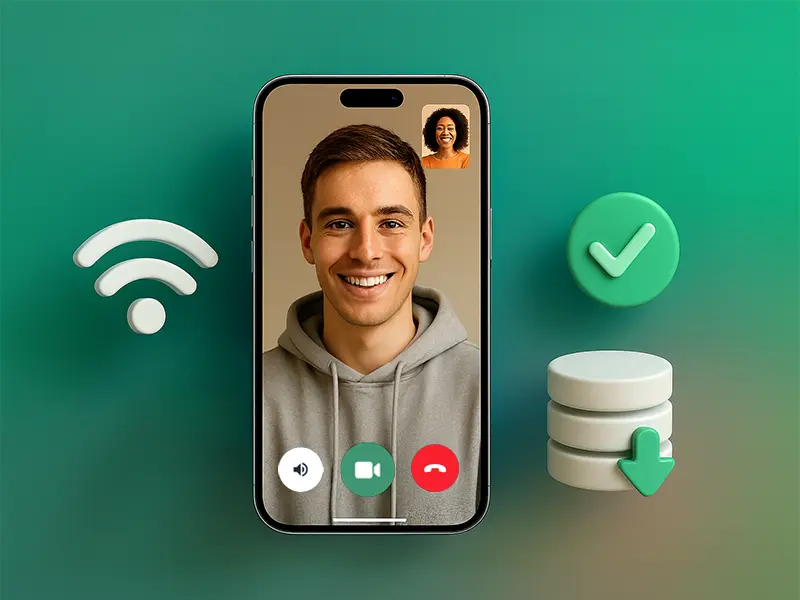
FaceCall maximizes performance while preserving privacy.
Perfect for large displays.
Smooth visuals even in multitasking.
Natural, balanced voices.
Encrypted, distraction-free calls.

Beautiful, private, and adaptive — made for iPad.
Yes. Use split-screen to browse, take notes, or present while video stays active.
Yes. Seamless cross-device history and contacts are shared securely.
Yes. Encryption ensures your data never leaks even in cafes or airports.
Completely. All iPad optimizations are standard with no upgrades needed.